
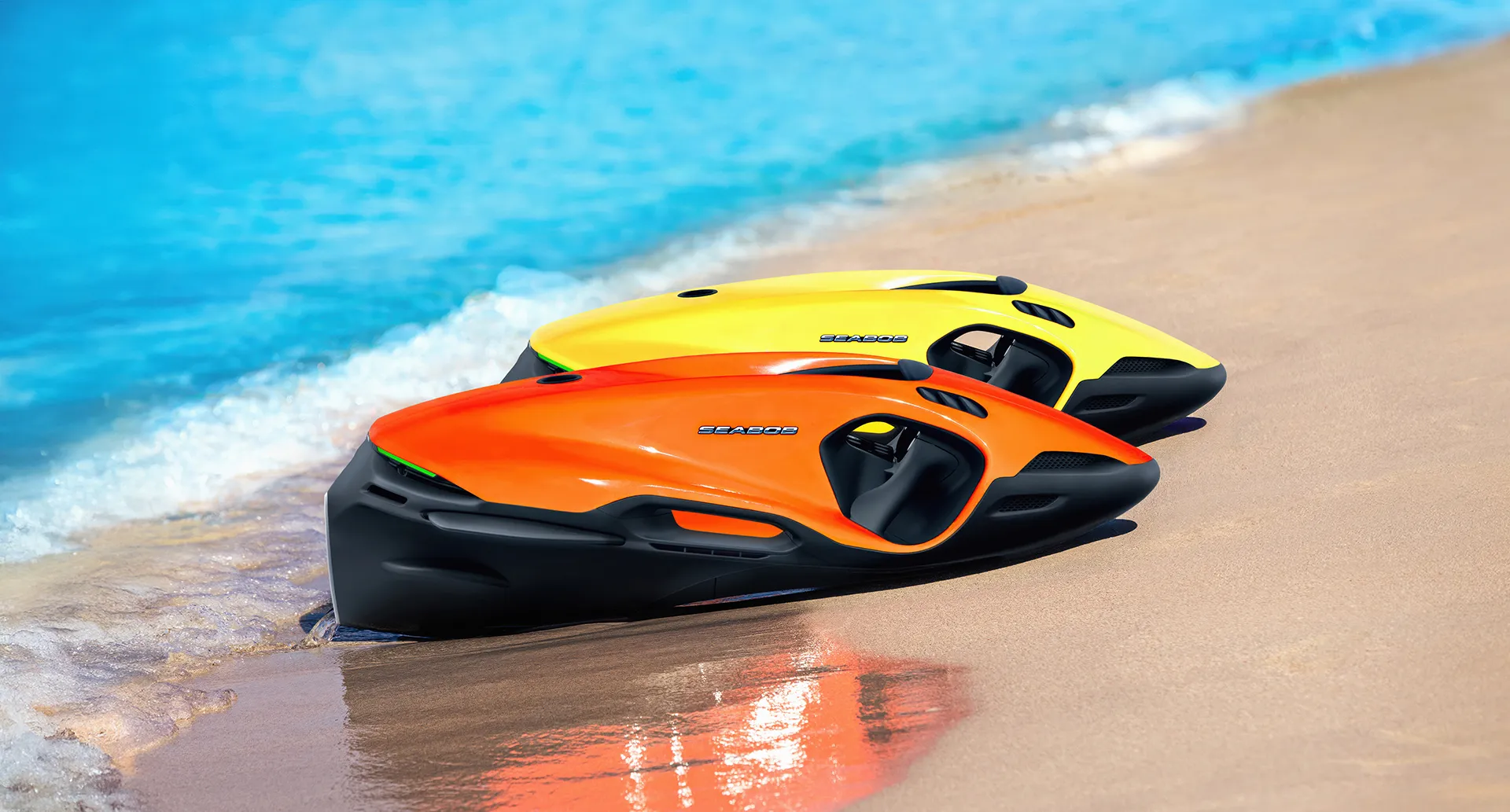
Unlock your SEABOB experience!
Complete your product registration in order to benefit from our exclusive manufacturer warranty coverage for your SEABOB.
Follow these simple steps to complete your product registration and benefit from our exclusive manufacturer warranty coverage.
To unlock your SEABOB, scan the QR code shown centered in your information display with your smartphone. Therefore, power your SEABOB on and wait until the information display appears. After successfully scanning the QR code, a link to the product registration website will be displayed. Click on that link on your smartphone. The product registration website will open. In order to perform the registration, please ensure a stable internet connection.

QR code in the SEABOB model's information display to unlock the exclusive manufacturer warranty coverage
Fill out the vehicle registration, especially the mandatory fields, and confirm your entry by clicking "Complete Registration". Take note of our privacy policy and general warranty conditions.
Verify the email address which you have entered during the registration process. Therefore, open the verification email which we have sent to your email address. Confirm your email address by clicking on the button within the verification email. Check your spam folder in case you cannot find a verification email.
Once you have confirmed your email address, we will send another email containing the 4 digit Activation ID to unlock your SEABOB.
Power your SEABOB on. Once the information display appears, enter the menu by clicking the enter button. Enter the first menu item called "Enter Activation ID". Use the up and down arrow keys to change the digits. Use the enter button to move to the next digit to the right. After entering the last digit, confirm your entry with the enter button. A confirmation dialog will appear. The SEABOB will unlock.
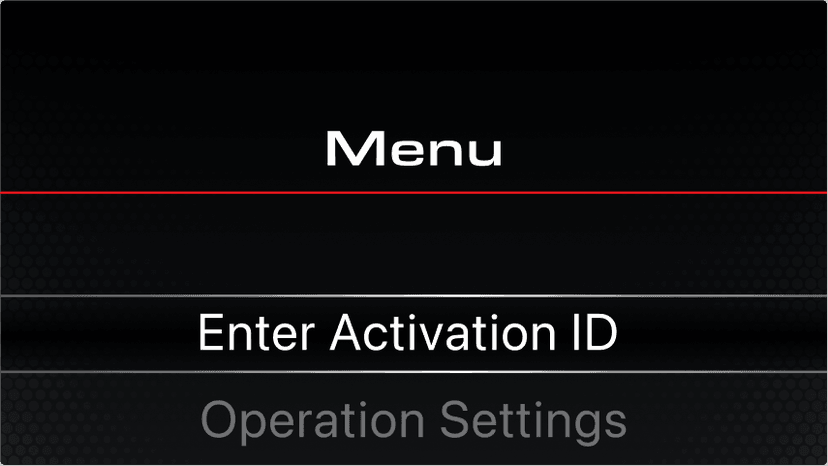
Choose the first menu item to enter the Activation ID.
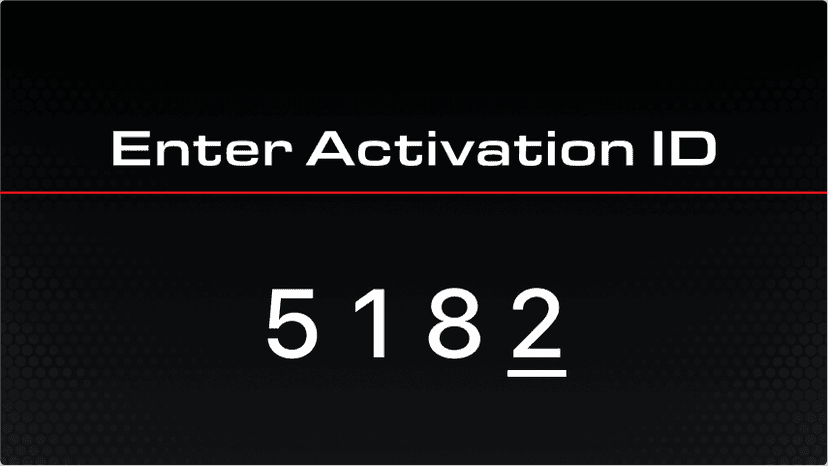
Enter the Activation ID.